App Development
Why Do People Uninstall Apps?
Why do people uninstall apps? Explore common issues with slow loading, confusing navigation, sign-ups and trust, and how better UI/UX design can help users stay.
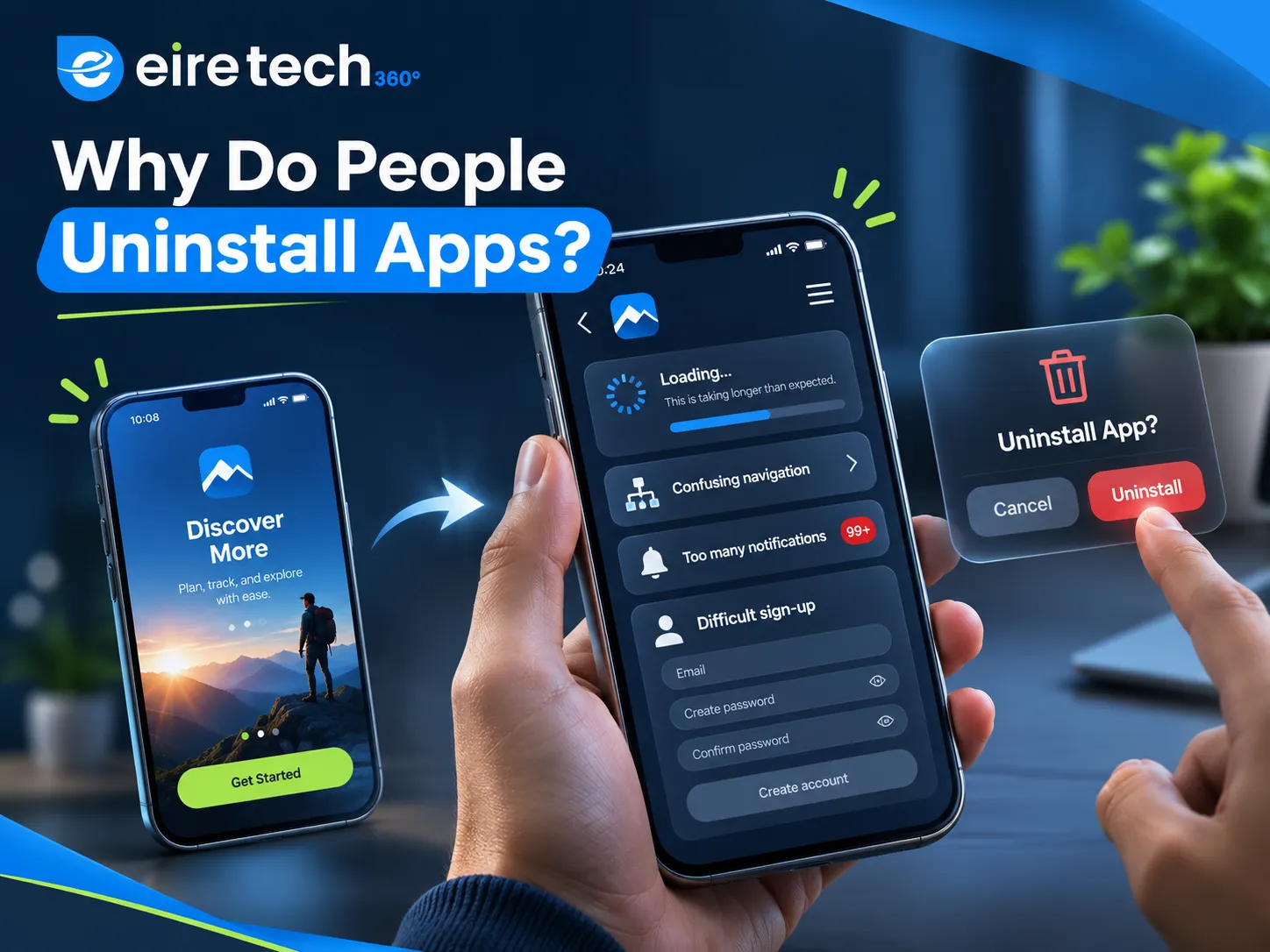
You downloaded the app because it made things easier for you. However, when setting up your account and using the app, there might be issues. It may take too long to load or be confusing.
Things To Consider
You want people to download your app and enjoy using it. A great app means you can do everything you want without any issues.
Why Would They Uninstall?
Bad First Impressions
Did your last app have a good first impression? Was it confusing and took time to figure out? First impressions are really important, and your app has no loyalty. If it is confusing and takes too long to load, you may lose users.
UI/UX Design
UI Design – Buttons, Screens, Menus & Layout. UX Design – Easy to use.
Improvements
Easy Home Screen. Main Features Easy to find. Easy to Navigate. No extra pop-ups. Easy to Understand What The App Does. Easy to Understand.
Too Much Information
Say you download a food delivery app to help you when you’re hungry. However, you need to create an account, confirm your email, enter your personal details, and opt in to notifications. Before you get to see the menu? Do you continue? Some may, but some may give up. Too much information can cause issues.
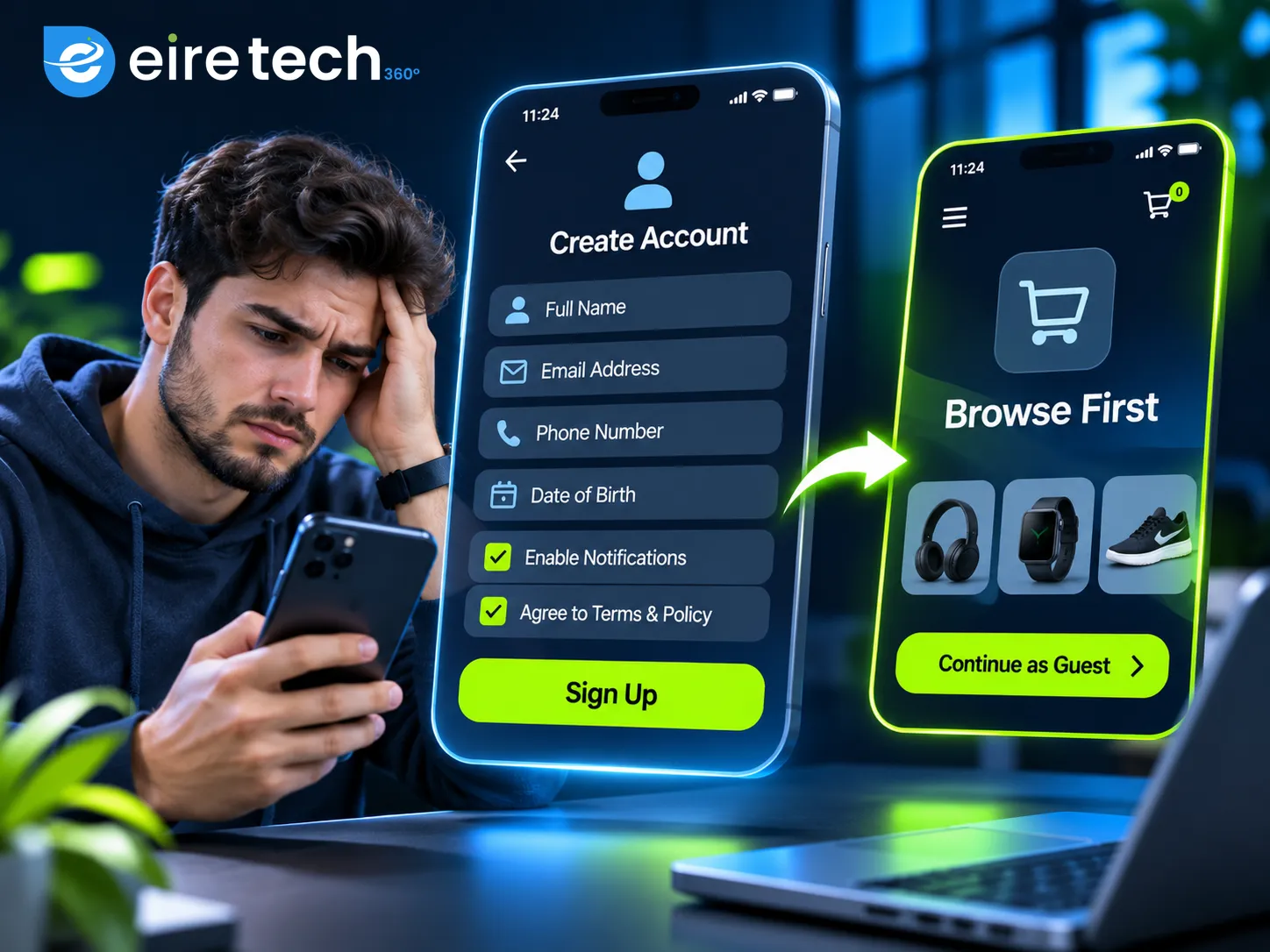
Not every app will require information. A shopping app may allow customers to browse before they need to create an account. Booking apps may let visitors browse services. Some apps may require secure logins. Only ask for what you need. Try to gain trust from your users.
Slow Performance
No one likes to wait for apps to load. Say you wanted to see your appointment details, but the screen takes a few seconds to load. When clicking on your booking, you are taken to a new screen. Eventually you give up. Even if you have a great-looking app, it can cause frustration if it is taking too long to load. Having a fast app can help you gain a better impression from your users. During your iOS & Android App Development, you should think about how fast your app is. Large files, bad coding, and extra processes can cause slow performance.
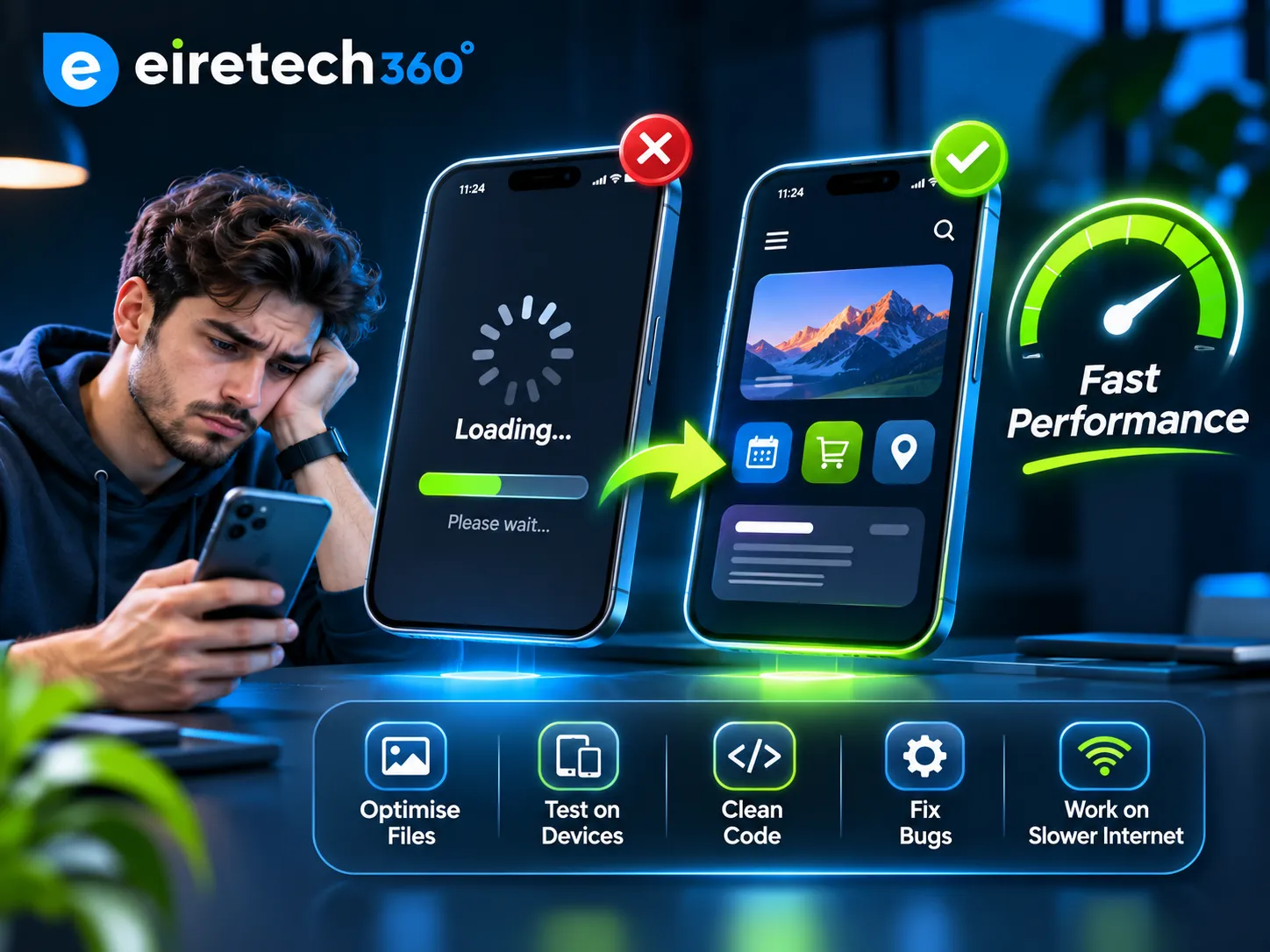
Improvements
Optimize your images & large files. Test main features on different devices. No extra information. Test for crashes & issues. Test on slow internet. Your app should perform well.
Information Not Easy to Find
Your app may have great features, but are they easy to find? Maybe your banking app makes it difficult to see your balance, or your shopping app has a hard-to-find checkout button. This can cause frustration. A great Mobile App User Experience will help your users complete tasks.
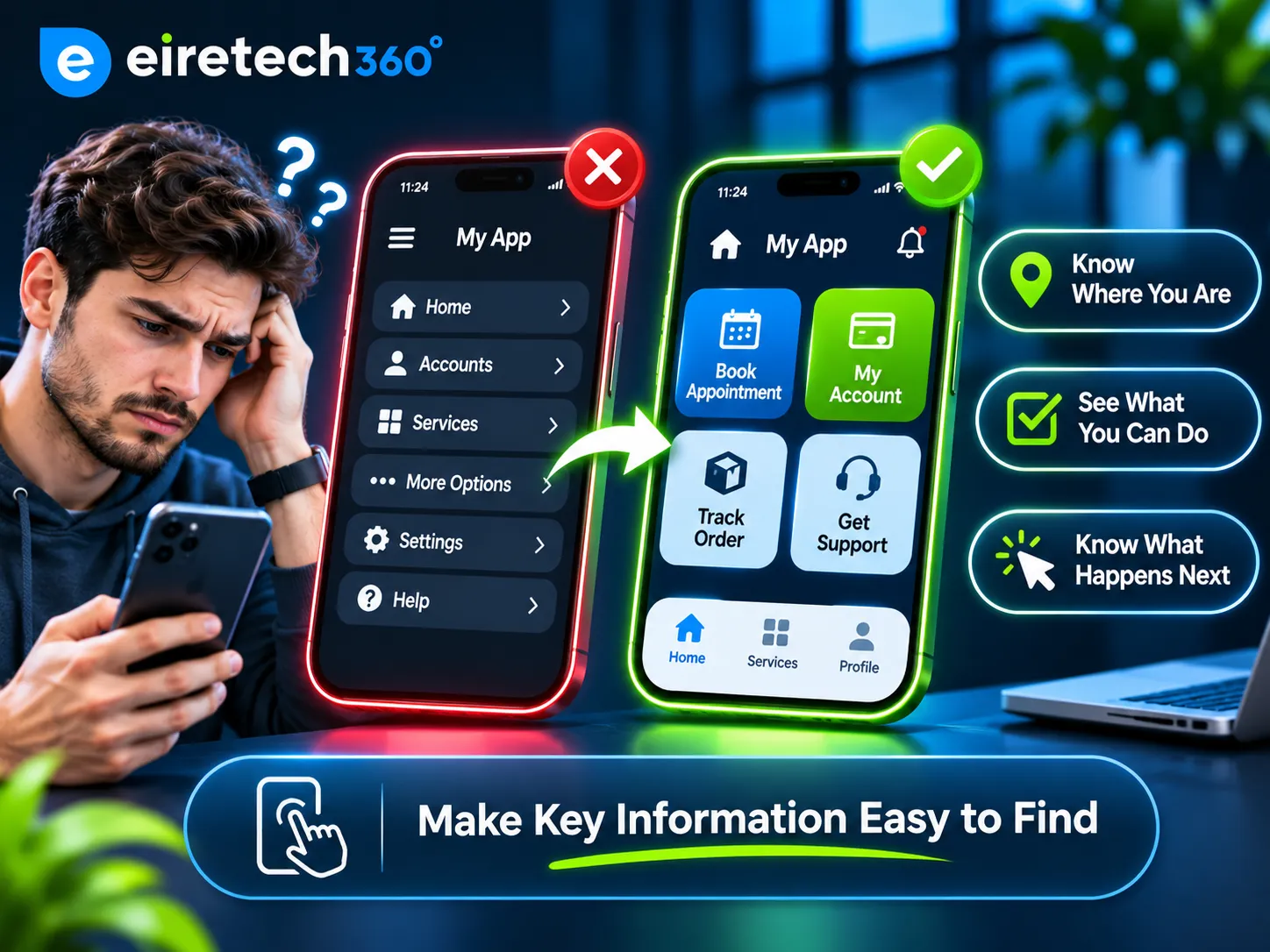
Your interface should be easy to understand so you know: Where you are. What you can do. What will happen when you click on something. A fitness app may have your daily activity and training plan on your home screen. Booking apps should be easy to book. Your design should help your users. Sometimes less is more.
No Solution
A lot of businesses get excited about creating an app. They imagine it will have great features, custom dashboards, and complex integrations. But why would they need this? If there are no extra features or useful tools and it has the same information as your website, then they wouldn’t want to use it. Your app should have a clear solution. A restaurant app could help users order and track deliveries. An Employee Management app could help you manage employee attendance, holiday requests, and daily tasks. A retail app could help users track their orders.

Businesses can create tools for browsers using Web Application Development. Choose the right option. Don’t get too excited and know what issues you are trying to solve.
Too Many Notifications
Notifications can be useful. They can help remind you of your appointment, when your delivery will be, and keep you updated. However, if you are getting too many promotional messages throughout the day, you may switch off notifications or uninstall the app. Notifications should have a purpose. Having reminders for your appointment, security alerts, and order updates can be really useful. However, too many promotional messages can cause frustration.
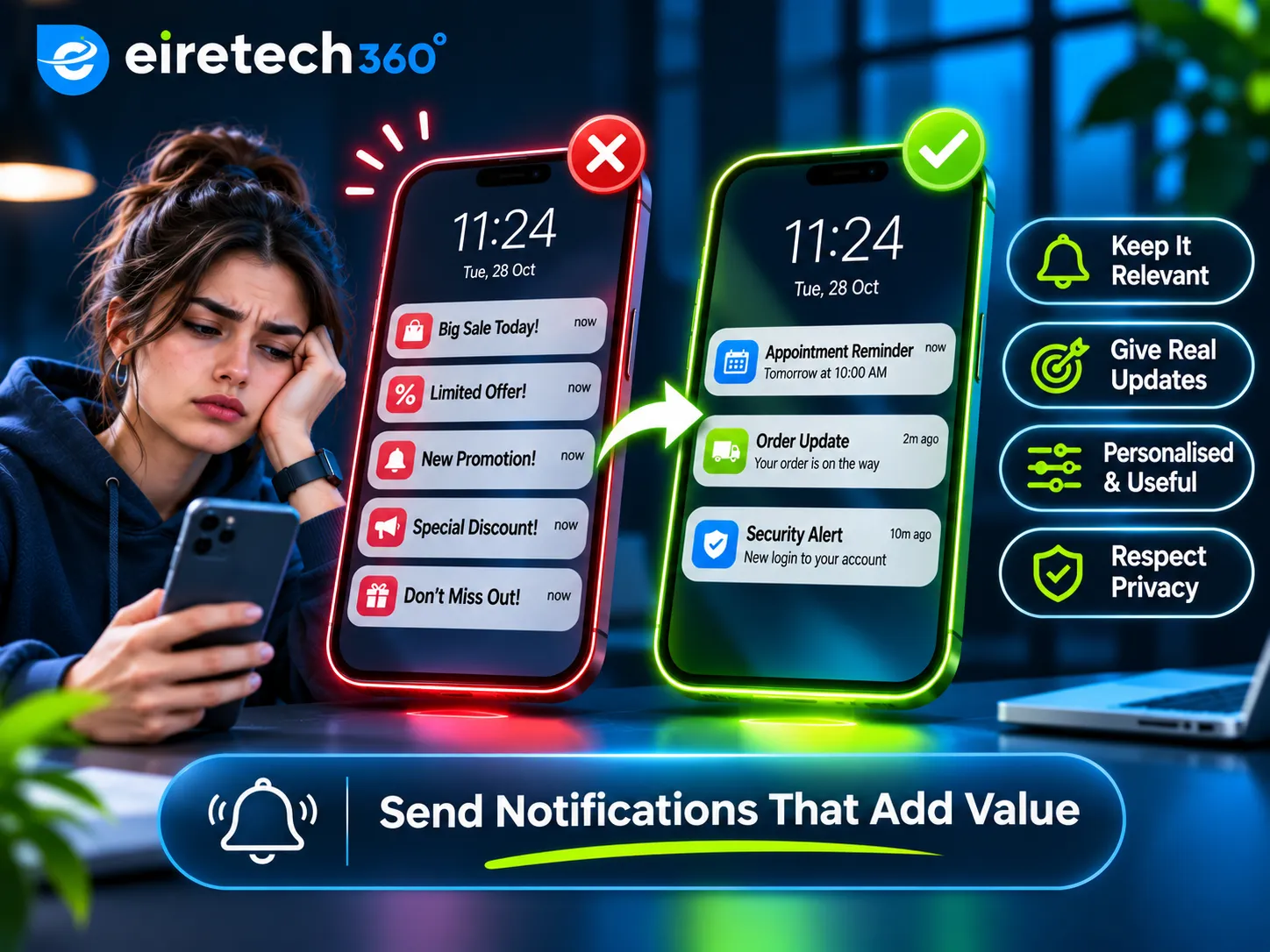
Considerations
Relevant. No duplicates. Personalised. Short. Respect their privacy. To keep them updated.
Not Trustworthy
Users will be cautious about putting personal information into an app. If your app is asking for payment or device information, they will want to know why. Would you trust your calculator if it asked for access to your contacts and location?
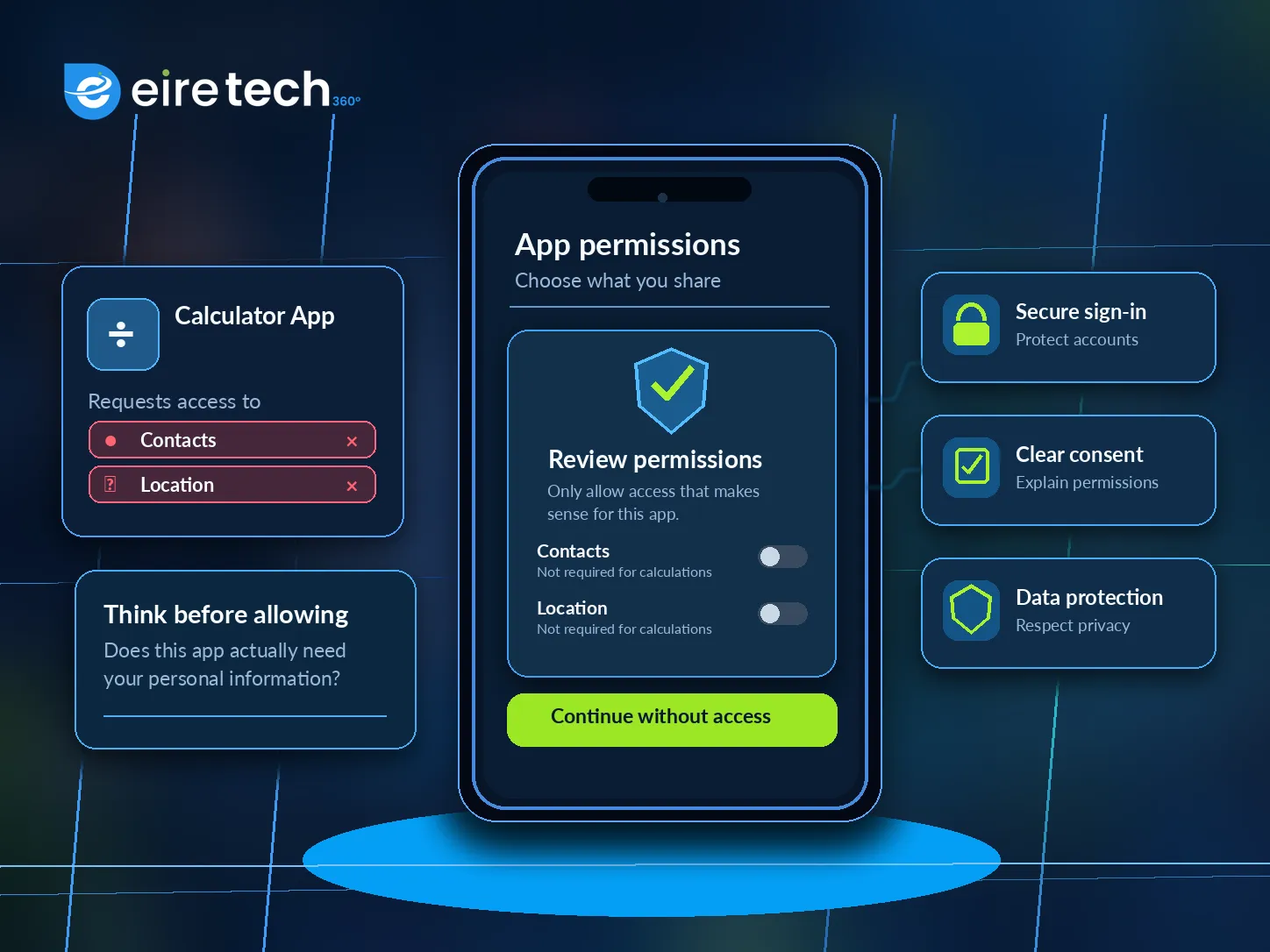
Apps that are asking for payment or personal information should be trustworthy. Having a professional-looking app will help increase trust. Consider: Secure Logins. Proper Data Security. Have a reason for asking for their information. Don’t ask for unnecessary permissions. If you do ask for permissions, make sure there is a reason. Users should know how their information is being used.
No Testing
A developer may spend months creating an app. It has a great design, features, and the development team knows exactly what is on each screen. However, someone who doesn’t know the app well may struggle. Maybe the buttons are unclear, instructions are confusing, or there is too much information to sign up. Testing your app can help. During your UI/UX Design For Apps, you can use interactive prototyping and usability testing to help spot any issues. Ask someone to complete a realistic task without explanation. Can they book an appointment? Where are they struggling? Can they easily navigate through the app? Can they book?
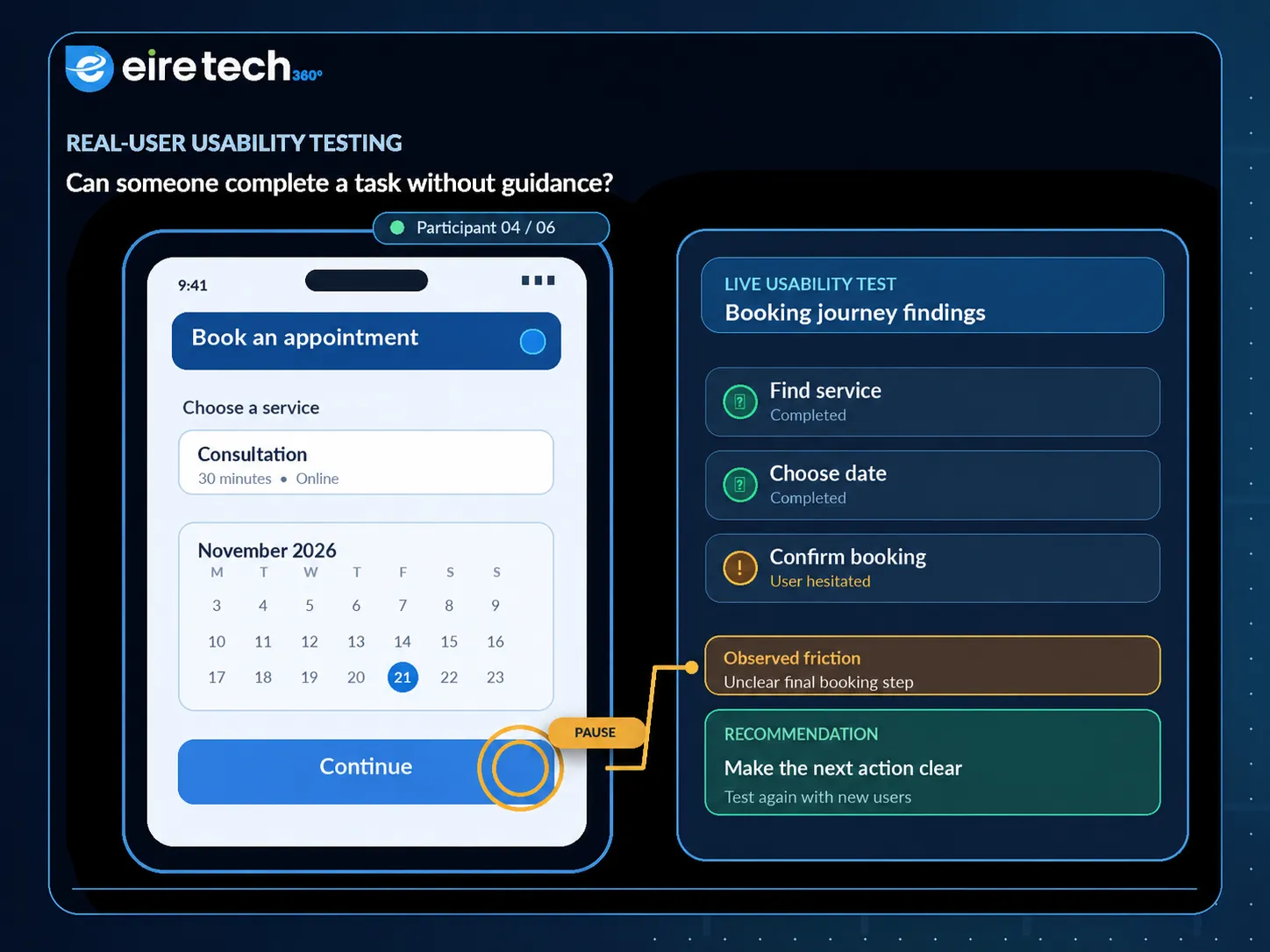
This can help spot any issues. The aim is not to prove your app works, but you will be able to see areas to improve.
Thinking You Are Done
Launching an app is an amazing achievement. However, there are other factors to consider. Operating systems can change, customer expectations can change, and there can be unexpected bugs. App Maintenance & Updates are important. Regular maintenance will help you spot any technical issues and improve current features.
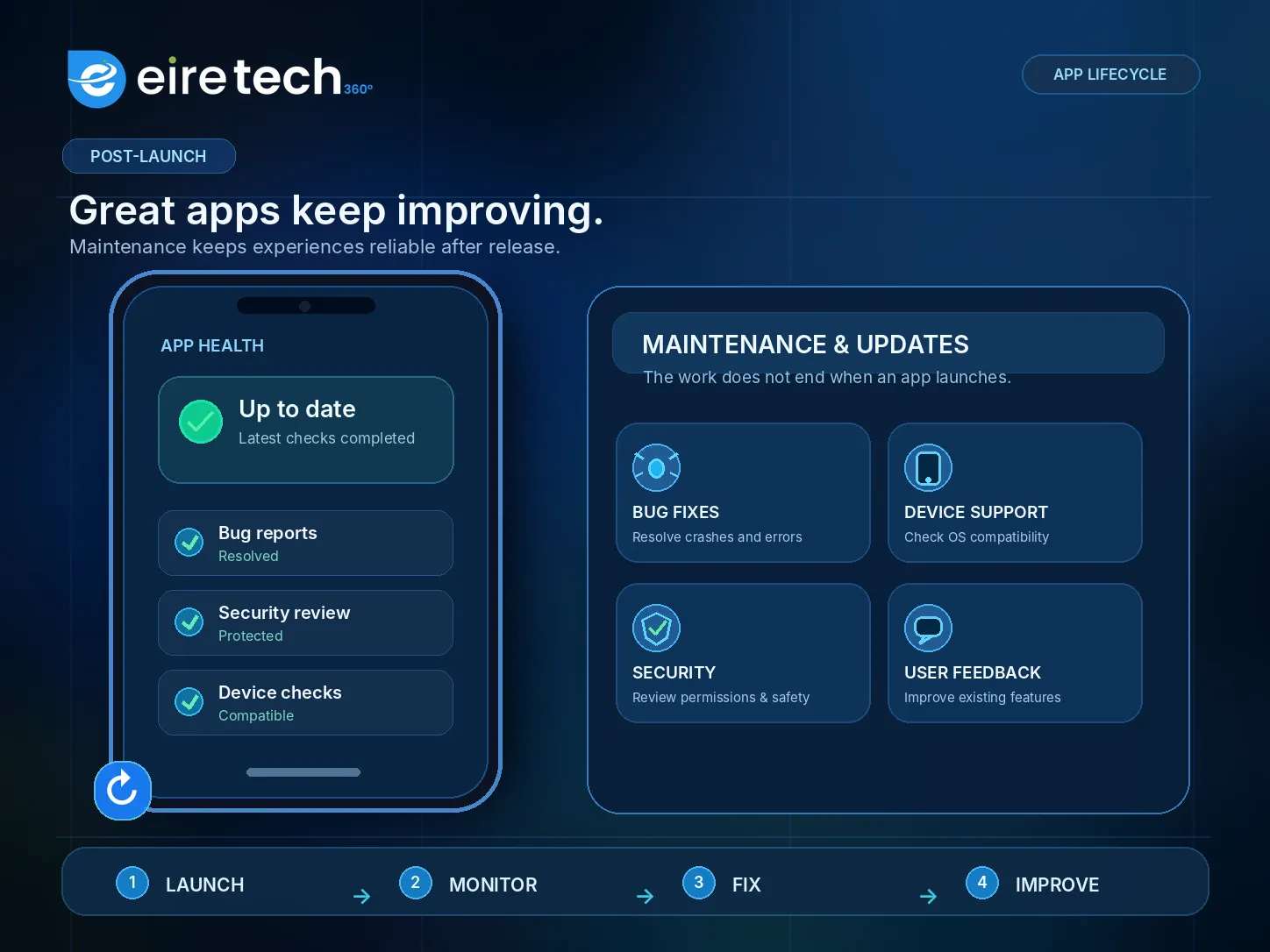
Considerations
Crash / Technical issues. Customer Feedback / Complaints. Device compatibility. Hard-to-use features. Performance / Security issues. Don’t add extra features just because people want more. Sometimes improving current issues will improve the experience. Your app should continue to develop to meet the needs of your users.
How Will You Know Why They Are Leaving?
If your app isn’t being used much, you won’t know why. You need to know why. Are they leaving when signing up? Are they leaving a particular screen? Are they unable to complete key tasks due to technical issues? Using App Analytics, usability testing & customer feedback can help. You can also monitor App User Retention. This will show how many people are coming back after a certain amount of time.

This will depend on what your app does. A travel booking app may not be used as much as an employee attendance app, which may be used daily. Don’t try to retain a certain number of users. Try to ensure your users are completing the tasks your app was created for.
Creating Great App Experiences With Eire Tech 360
Every app will begin with an idea. To create an app your users will enjoy, you need to understand your users, have clear interfaces, test your features, and maintain your app. We can help you create & improve your apps with:

iOS & Android App Development. UI/UX Design For Apps. Web Application Development. App Maintenance & Updates. We aim to create practical & reliable apps focusing on your users' needs. Whether you’re creating a customer-facing mobile app, an internal app, or improving an existing platform, we will ensure we understand your users' journey. We work with businesses across Ireland, Europe & the USA to create digital solutions that fit their operations. We aim to create an app that is easy to understand, users are comfortable using and will come back when required.
Frequently Asked Questions (FAQs)
Why Do People Uninstall Apps?
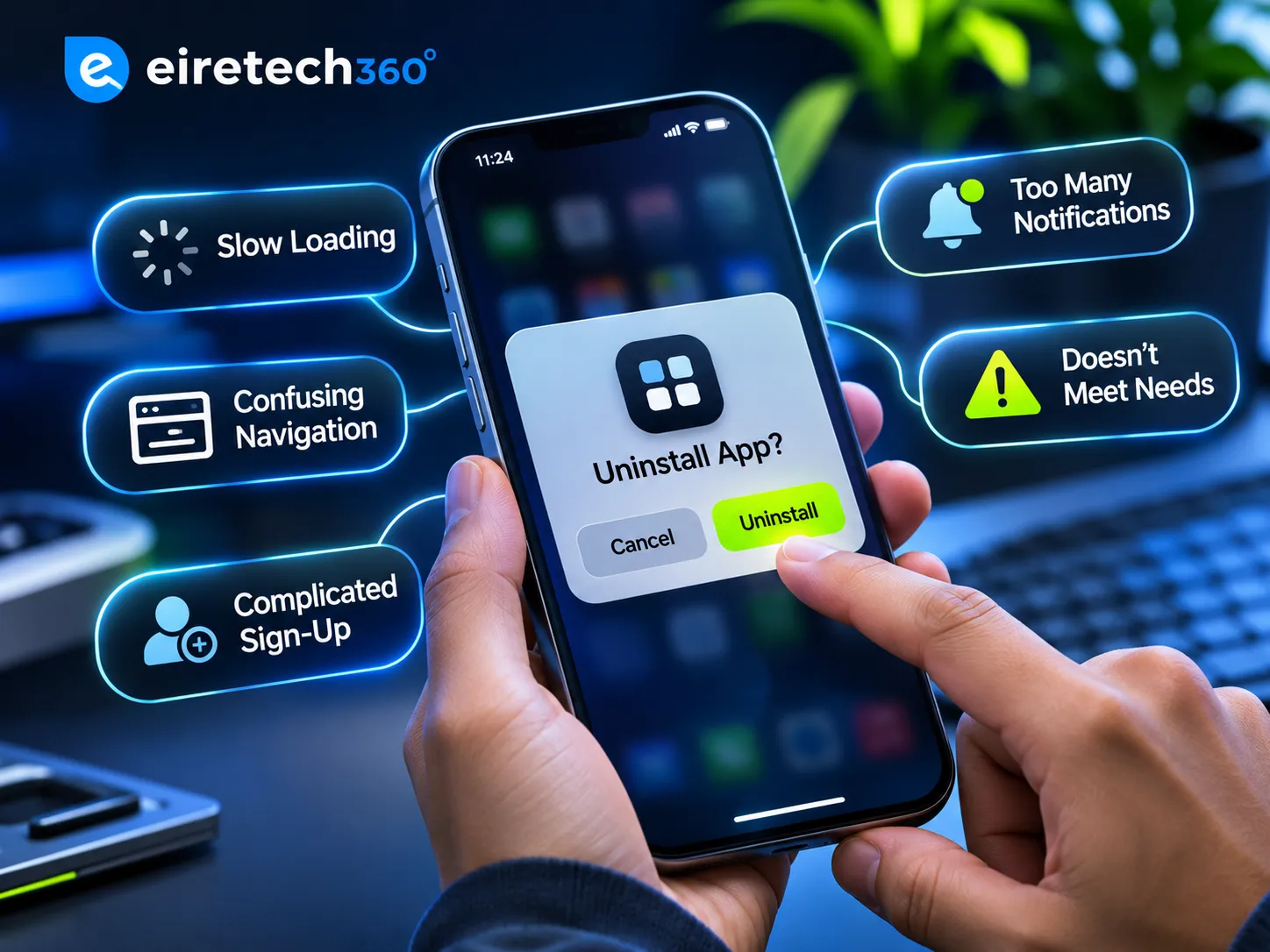
Common reasons people uninstall apps are because they are too slow to load, confusing to use, difficult to sign up, have too many notifications, and don’t meet expectations. Some may uninstall as they no longer need it.
How Can I Improve My Mobile App User Retention?
Improve performance, make it easy to sign up, fix any technical issues, and ensure key features are easy to find. Monitor customer feedback and regularly test improvements.
Does UI/UX Design Affect App Retention?
Yes. Having easy to navigate & easy to use features will make your app easy to use. If it is badly designed, users may become frustrated.
What Is The Difference Between UI & UX Design?
UI design is the visual part of your app. This could be buttons, layouts & menus. UX design is the overall experience.
Should I Create an iOS App, Android App, or Both?
This will depend on your audience, budget & features. Research your target audience to see if you want to go native or cross-platform.
Why Is App Maintenance Important?
Apps should be updated to ensure they are compatible, secure & reliable. This could include fixing bugs, reviewing performance, and improving based on user feedback.
Can I Replace A Mobile App With A Web App?
Sometimes. Web apps can provide tools for your business. However, if your app requires specific device features, you may want to go native.
- #UI/UX Design for Apps
- #iOS and Android App Development
- #App Maintenance and Updates
- #Web Application Development
- #Mobile App User Experience
- #App User Retention